

If you want to protect yourself on the road and capture every moment while driving, installing a Car and Driver dash cam is a smart move. But maybe you’re unsure where to start or worried it might be complicated.
Don’t worry—this guide will walk you through each step clearly and simply. By the end, you’ll have your dash cam set up perfectly, giving you peace of mind and valuable evidence if anything happens. Keep reading, and you’ll see just how easy it is to get your dash cam working for you.
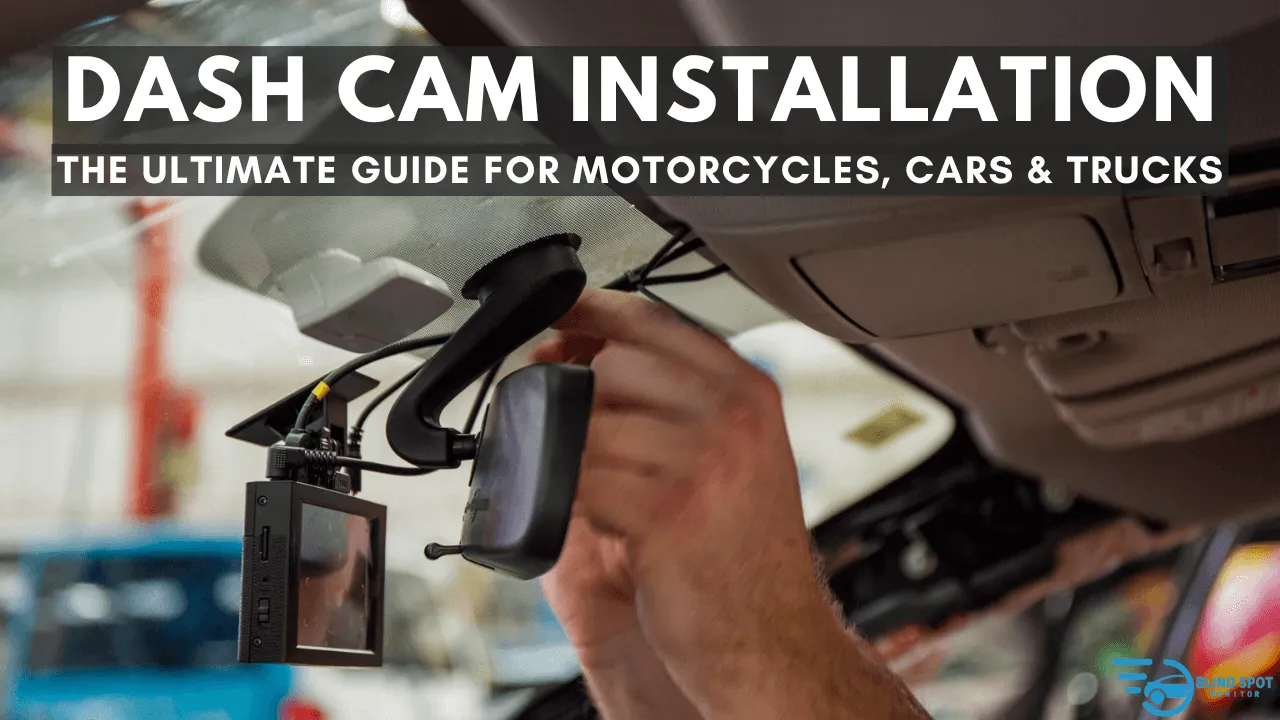
Credit: www.blindspotmonitor.com
Choosing The Right Dash Cam
Choosing the right dash cam for your car isn’t just about picking the most popular model. It’s about finding one that fits your driving habits and meets your safety needs. With so many options available, knowing what to look for can save you time, money, and frustration.
Key Features To Consider
Start by thinking about video quality. A dash cam with at least 1080p resolution ensures clear footage, which can be crucial if you ever need to prove what happened during an accident.
Next, consider the camera’s field of view. A wider angle captures more of the road and surroundings, giving you a better perspective on incidents.
Look for features like night vision and motion detection. These can provide extra security when you park your car or drive in low-light conditions.
- Loop recording:Automatically overwrites old footage to save storage space.
- G-sensor:Detects sudden impacts and locks the footage to prevent deletion.
- GPS tracking:Records your route and speed, adding context to the video.
Ask yourself: Which features would be most useful for your daily driving? Prioritize those to avoid paying for extras you won’t use.
Mounting Options
Where you place your dash cam affects both its performance and your visibility. Most dash cams mount on the windshield, but some attach to the dashboard or rearview mirror.
Windshield mounts keep the camera steady and offer a clear view, but make sure they don’t block your line of sight. Suction cups and adhesive mounts are common choices here.
Dashboard mounts can be easier to install and reposition, but may suffer from vibrations or limited angles. Rearview mirror mounts blend in well and offer a balanced perspective.
Think about your car’s interior and your own comfort. Would you prefer a mount that’s easy to remove or one that stays fixed? This choice impacts how often you can take the camera with you or adjust it.
Preparing For Installation
Preparing for the installation of your Car and Driver dash cam is essential. It ensures a smooth and safe setup. Taking time to prepare helps avoid mistakes and saves time. Getting everything ready before you start will make the process easier and faster.
Gathering Tools And Materials
Collect all necessary tools and materials before installation. This prevents interruptions and keeps the work area organized. Common items needed include:
- Dash cam unit
- Power cable
- Mounting bracket or suction cup
- MicroSD card for storage
- Trim removal tool or plastic pry tool
- USB charger or car adapter
- Cleaning cloth
Having these items ready will help you focus on the installation itself without searching for tools.
Selecting The Installation Spot
Choose a spot that offers a clear view of the road. The best location is usually behind the rearview mirror. It keeps the dash cam hidden and avoids blocking your view.
Make sure the spot has access to a power source. Check if the power cable can reach the vehicle’s power outlet easily. Avoid placing the camera where it might get too hot or exposed to direct sunlight. Keep it away from airbags and other safety devices.
Test the camera angle before final mounting. Adjust it to capture the entire road ahead. The right spot ensures good video quality and safe driving.
Installing The Dash Cam
Installing your Car and Driver dash cam correctly is key to capturing clear footage and ensuring reliable performance. The process involves careful placement, secure power connection, and a thorough test of the setup. Let’s look closely at each part to help you get the best results from your dash cam.
Mounting The Device
Choose a spot on your windshield that offers a clear, unobstructed view of the road. The area behind the rearview mirror is often ideal because it keeps the device discreet and doesn’t block your vision.
Clean the surface well before attaching the mount to ensure it sticks firmly. Avoid placing the dash cam too low, as this can limit its field of view or cause it to capture reflections.
Connecting Power Source
Most dash cams get power from your car’s cigarette lighter socket or a USB port. Use the provided cable and route it carefully along the edges of the windshield and dashboard to keep it out of sight.
If you want a cleaner look, consider hardwiring the dash cam to your vehicle’s fuse box. This option might require some basic electrical knowledge but offers a permanent power solution without clutter.
Testing The Setup
After mounting and connecting the dash cam, turn on your vehicle to power the device. Check if the camera boots up and starts recording automatically.
Review the video quality and angle by playing back a recording. Make sure the footage is stable and captures the road clearly—adjust the position if needed.
Have you noticed any blind spots or glare issues? Small tweaks now can save you from missing critical moments later.

Credit: www.youtube.com

Credit: www.youtube.com
Frequently Asked Questions
How Do I Mount The Car And Driver Dash Cam Properly?
Mount the dash cam on your windshield behind the rearview mirror. Clean the surface, peel the adhesive, and press firmly. Adjust the angle to capture the road clearly without blocking your view.
What Power Source Does The Car And Driver Dash Cam Use?
The dash cam is powered via your car’s 12V cigarette lighter socket. Use the provided power cable to connect it. Some models support hardwiring for a cleaner installation.
How Do I Insert And Format The Memory Card?
Insert a compatible microSD card into the dash cam’s slot. Format the card using the dash cam menu before first use to ensure optimal performance and avoid recording issues.
Can I Install The Dash Cam Without Professional Help?
Yes, the Car and Driver dash cam is designed for easy DIY installation. Follow the included instructions carefully, and use basic tools for mounting and wiring.
Conclusion
Installing your Car And Driver dash cam is simple and quick. Follow each step carefully for the best result. Double-check connections to avoid issues later. Test the camera to ensure it records properly. A dash cam helps protect you on the road.
Enjoy peace of mind during every drive. Keep the instructions handy for future reference. Stay safe and capture every important moment.



