

Have you ever wished for an extra set of eyes while backing up your car? Adding a backup camera can make parking easier and safer, but you might be wondering, “Can I add a backup camera to my car?” The good news is, in most cases, the answer is yes.
Whether your car is old or new, there are simple options that fit your budget and skill level. You’ll discover how to choose the right backup camera, what tools you need, and step-by-step tips to get it installed. Keep reading, because your next drive could be safer and stress-free with just a small upgrade.
Credit: jerry.ai
Choosing The Right Backup Camera
Choosing the right backup camera for your car can make a big difference in safety and convenience. It’s not just about picking any camera but finding one that fits your needs and vehicle perfectly. Let’s break down what you should look for to make an informed decision.
Types Of Backup Cameras
Backup cameras come in different styles, each with its own benefits. You have options like:
- License plate camerasthat mount around your plate for easy installation.
- Flush mount camerasthat sit neatly into the rear bumper for a sleek look.
- Surface mount camerasthat attach on top of the bumper, usually simpler to install.
- Wireless camerasthat avoid running cables but may face interference issues.
Think about where you want the camera placed and how visible or discreet you want it to be.
Compatibility With Your Car
Not every backup camera works with every car model. You need to check if the camera is compatible with your vehicle’s size, wiring, and display system.
If your car has a built-in screen, ensure the camera supports that interface, whether it’s a factory display or an aftermarket one. Some cameras are designed specifically for trucks or SUVs, while others fit smaller cars better.
Ask yourself: Does the camera’s power source match your car’s electrical system? Will installation require professional help or can you do it yourself?
Key Features To Consider
Beyond basic visibility, several features can enhance your backup camera experience:
- Night visionfor clear images in low light or darkness.
- Wide viewing angleto capture more area behind your car.
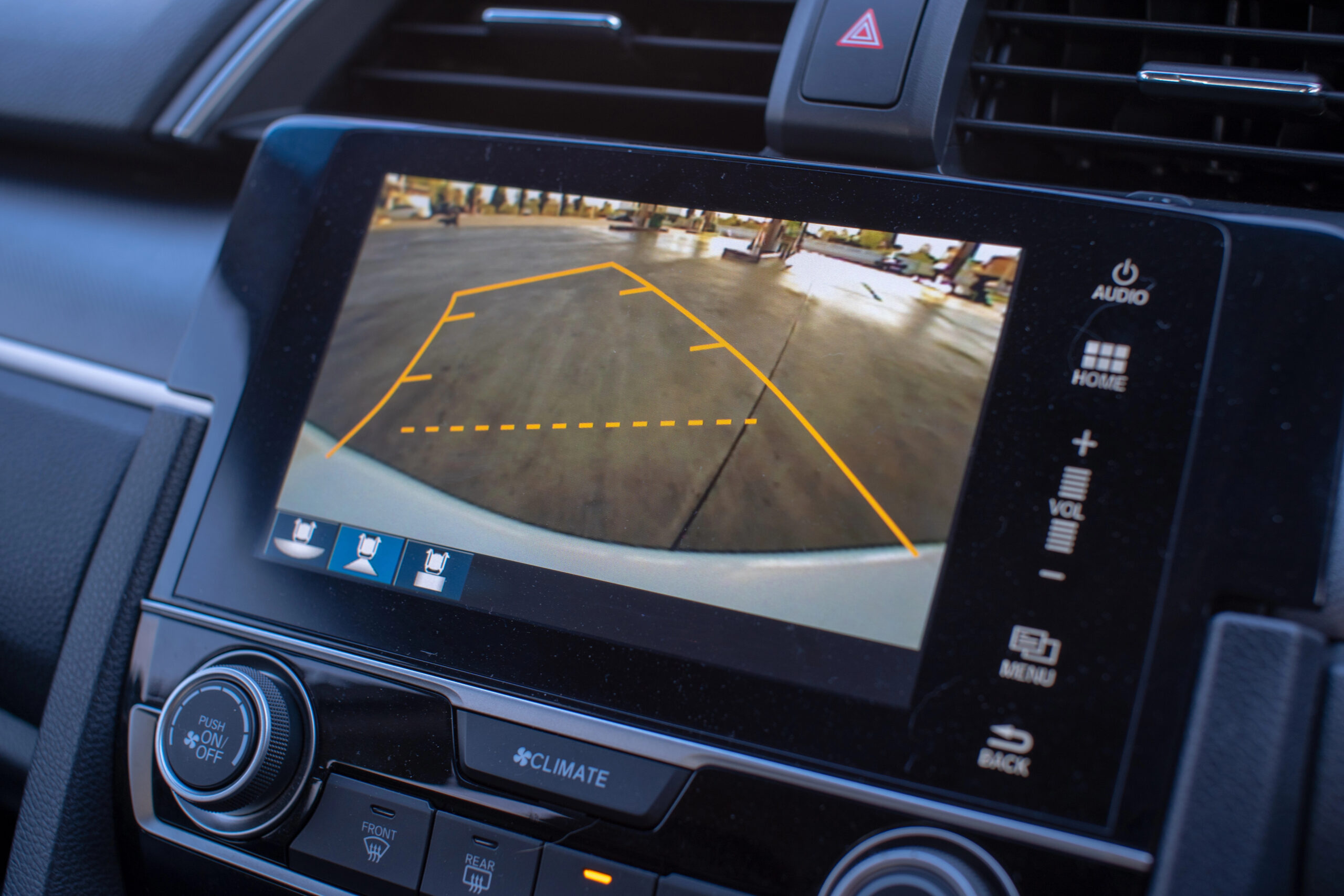
- Guidelines or parking assist linesto help judge distances better.
- Waterproof ratingto withstand rain and car washes.
- Image resolutionfor crisp and clear visuals.
Think about which features matter most to you. For example, if you often park in dimly lit areas, night vision might be a must-have.

Credit: typesauto.com
Installation Process Simplified
Installing a backup camera in your car can seem tricky at first. The process is simpler than it looks. Basic tools and clear instructions make the job manageable. This guide breaks down the installation into easy steps. Follow along to add safety and convenience to your vehicle.
Tools And Materials Needed
- Backup camera kit (camera, monitor, wiring)
- Screwdrivers (Phillips and flathead)
- Wire strippers and electrical tape
- Power drill with drill bits
- Multimeter (optional, for testing connections)
- Zip ties and mounting brackets
- Car manual (for locating wiring and components)
Step-by-step Installation Guide
Start by choosing the best camera position, usually near the license plate. Mount the camera securely using screws or adhesive.
Run the wiring from the camera to the car’s interior. Hide wires under trim panels or carpets to keep them safe.
Connect the camera’s power wire to the reverse light circuit. This ensures the camera turns on only when reversing.
Attach the video cable to the monitor inside the car. Common monitor locations include the dashboard or rearview mirror.
Test the system by shifting into reverse. Adjust the camera angle for the best view.
Common Installation Challenges
- Locating the reverse light wires can be confusing without a manual.
- Running wires through tight spaces may require patience and care.
- Improper connections can cause the camera to malfunction or not turn on.
- Securing the camera firmly prevents it from shaking or falling off.
- Monitor placement should avoid blocking your view while driving.
Testing And Maintenance Tips
Testing and maintaining your backup camera helps keep it reliable and clear. Regular checks avoid surprises and ensure safety. Simple steps can improve camera performance and extend its life.
Ensuring Camera Functionality
Turn on the backup camera before reversing. Check the screen for a clear, steady image. Look for flickering, static, or black screens. Test the camera in different light conditions. Confirm the camera activates automatically when shifting to reverse gear. Address any delay or failure to power on immediately.
Adjusting Camera Angles
Position the camera for the best view of the rear. Adjust the angle to cover the blind spots and ground. Avoid pointing too high or too low. Use the display as a guide while adjusting. Tighten the camera mount after final placement. Check the angle again after driving on rough roads.
Routine Maintenance For Longevity
Clean the camera lens regularly to remove dirt and moisture. Use a soft cloth and mild cleaner for the lens. Inspect wiring and connectors for damage or corrosion. Secure loose wires to prevent disconnection. Protect the camera during car washes to avoid water damage. Schedule regular checks to catch small issues early.

Credit: www.youtube.com
Frequently Asked Questions
Can I Install A Backup Camera Myself?
Yes, many backup cameras come with DIY kits. Basic tools and clear instructions are included. Some experience with car wiring helps. Professional installation ensures proper function and safety.
Will A Backup Camera Work On Any Car?
Most backup cameras work on cars with a compatible display. Older cars might need an aftermarket monitor. Wireless cameras offer flexible installation. Check compatibility before purchasing to avoid issues.
How Much Does Adding A Backup Camera Cost?
Backup camera systems range from $50 to $500. DIY kits are cheaper than professional installation. Installation fees vary by location and complexity. Investing in a quality camera improves safety and convenience.
Does A Backup Camera Improve Driving Safety?
Yes, backup cameras reduce blind spots and accidents. They provide a clear view behind the vehicle. This helps in tight parking and avoiding obstacles. Backup cameras are highly recommended for safer driving.
Conclusion
Adding a backup camera to your car is a smart choice for safety. It helps you see blind spots clearly while reversing. Installation can be simple or need a professional, depending on your car. Many cameras fit well with most vehicles.
This upgrade boosts your confidence on the road. It also protects pedestrians and property from accidents. Choosing the right camera and proper setup matters most. Consider your budget and needs before buying. Your car becomes safer with this useful tool.
A backup camera brings peace of mind every time you drive.



